
Is Life360 safe for kids? Location-sharing apps can help families know when a child arrives at school or returns home, but constant tracking can create questions about privacy, independence, and trust. The safest approach is to agree on why location sharing is needed, who can see it, and when the arrangement should change.
Most parents first hear about Life360 from another parent.
Someone mentions it at pickup: “We use it to know when the kids get to school.” Someone else says it settles their nerves when a new teen driver is out on the road. If your days are a blur of practices, shifts, carpools, and long commutes, an app that shows where everyone is can feel like a small mercy.
And often, it helps.
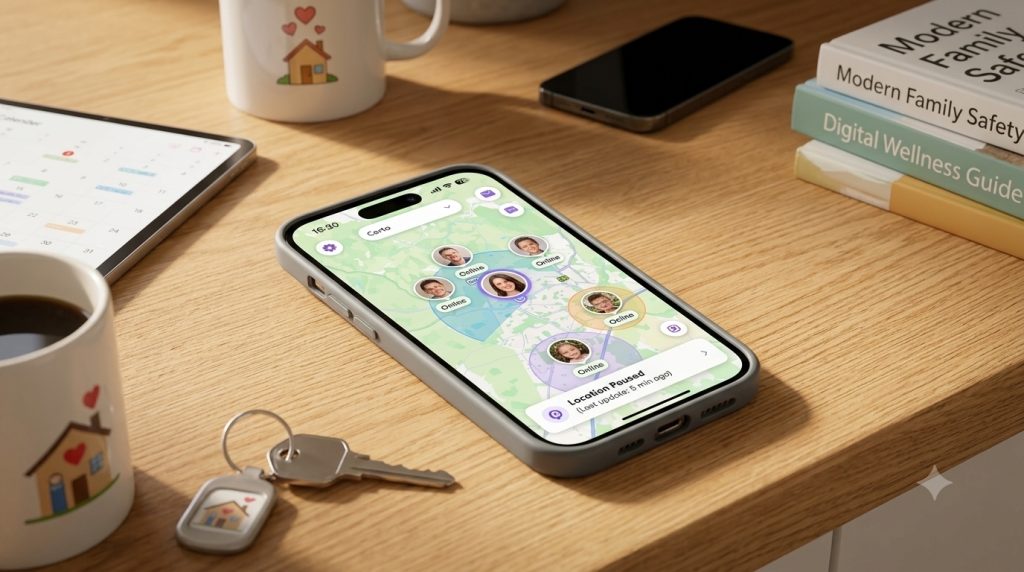
Life360 is one of the best known family safety apps, used by tens of millions of families worldwide. According to the company’s own materials, members share their location inside a private group called a Circle, and depending on the plan they can add place alerts for arrivals at home or school, safe-driving summaries, crash detection that can notify emergency contacts, SOS alerts for emergencies, and item tracking through Tile. For a parent, that can mean fewer “where are you?” texts and one more layer of protection for a child who travels alone or has just started driving.
So the question is not really whether Life360 works. It is how to use it well.
Because location is not ordinary data. Where a person goes can quietly reveal their school schedule, their friendships, a doctor’s office, a place of worship, a part-time job, the ordinary rhythm of their week. Even inside a loving family, constant tracking can shift how trust feels. A child can think “my parents want me safe” and “my parents don’t trust me” at the same time. Both can be true.
That tension is the heart of the matter, and it is worth naming out loud.
Start with a conversation, not a secret install
The healthiest way to begin is together. Unless there is a serious, immediate safety concern, quietly installing tracking on a child’s phone tends to backfire. Common Sense Media, which reviews technology for families, advises setting clear ground rules, using strict privacy settings, and even letting kids see your location in return. Its guidance is honest about the bigger picture too: monitoring tools can strain a relationship, and the long game is raising a kid who learns to make good choices on their own.
So say why. Is this for emergencies? For a new driver? For arrival alerts while a younger child walks home? For a single nervous stretch, like a school trip? When children understand the purpose, an app feels less like a leash and more like a shared plan.
Let the leash loosen as they grow
A ten-year-old walking home and a seventeen-year-old packing for college do not need the same oversight. Younger kids may need more structure. Older teens need more room, more privacy, and more say.
A safety app should grow with your child rather than freeze them in place. The goal, after all, is not a child who is watched every second. It is a child who learns to move through the world safely and ask for help when they need it.
Use the least tracking that solves the real worry
Here is a simple family rule that prevents most conflict: use the smallest amount of tracking that addresses your concern.
If you only want to know your child reached school, a single arrival alert may be all you need, with live location switched off the rest of the day. If your worry is a teen driver, crash detection or SOS may matter more than watching a dot move across town. Not every family needs every feature running all the time.
Privacy is part of this too, and it deserves a few real minutes. Life360’s own privacy policy describes collecting precise location, movement, and driving-related information. That data can be sensitive in ways that reach well beyond your household. Investigative reporting by The Markup found that Life360 was once among the largest suppliers of precise location data to the data-broker industry, a practice the company later said it limited. Regulators have made the stakes plain. The U.S. Federal Trade Commission has warned that location data can expose visits to medical clinics, places of worship, and shelters, the kind of places people reasonably expect to keep private.
So open the settings. Review what is on. Turn off advertising and data-sharing options you do not need.
Remember the app is not magic
No tool is perfect. Phones die. Signals drop. A child can turn off permissions, and location trackers simply stop working when a phone is off or out of battery, as Common Sense Media points out. Technology can support safety. It cannot replace conversation, judgment, and a child who knows they can call you.
Before you turn it on, ask these questions
A short family checklist keeps the focus where it belongs:
- What specific safety problem are we trying to solve?
- Who can see whose location, and is it fair both ways?
- When will we check the app, and when will we leave it alone?
- Which settings and alerts can we turn off?
- When will we revisit these rules as our child gets older?
Life360 may be a good fit for some families, and especially helpful for kids who travel alone, teens who drive, or households managing a medical concern. But it should not become a quiet stand-in for trust.
Used with care, it can support the thing every parent actually wants: not a child who is endlessly monitored, but one who is slowly, steadily learning to be safe on their own.
A family safety app should be a bridge to trust, not a wall of surveillance.
Try this at home: Before switching on location sharing, agree on five things: the safety concern it addresses, who can view the location, which alerts are necessary, when tracking is paused, and when the family will review the agreement.
Related reading from 3A1Z Stories: How Can Parents Protect Children Online Without Losing Their Trust?; How to Make a Family Media Plan That Actually Works.

